
Forms
Get customer enquiries from your website straight into Vadio
Create a form for enquiries, orders or feedback. When a customer submits it, their responses and attachments are collected in Vadio. You get the information you need to follow up.
Forms are included in Sales and CRM. We can help you add the form to your website.
Four purposes
Adapt the form to what customers need to report
Building a form
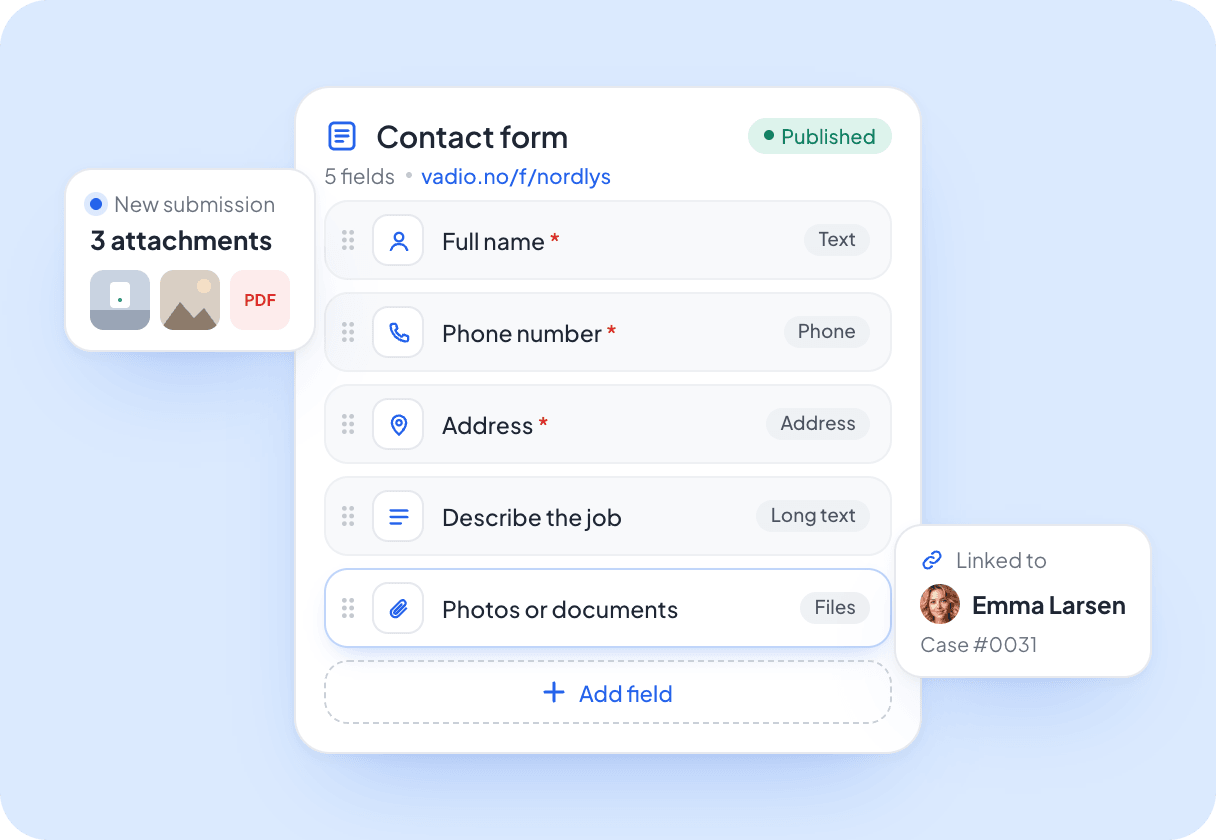
Ask for the information you actually need
Choose fields for names, phone numbers, addresses and other details. Let customers attach images or documents when useful. The information is linked to the customer and case, so you do not have to copy it from emails.
Follow-up
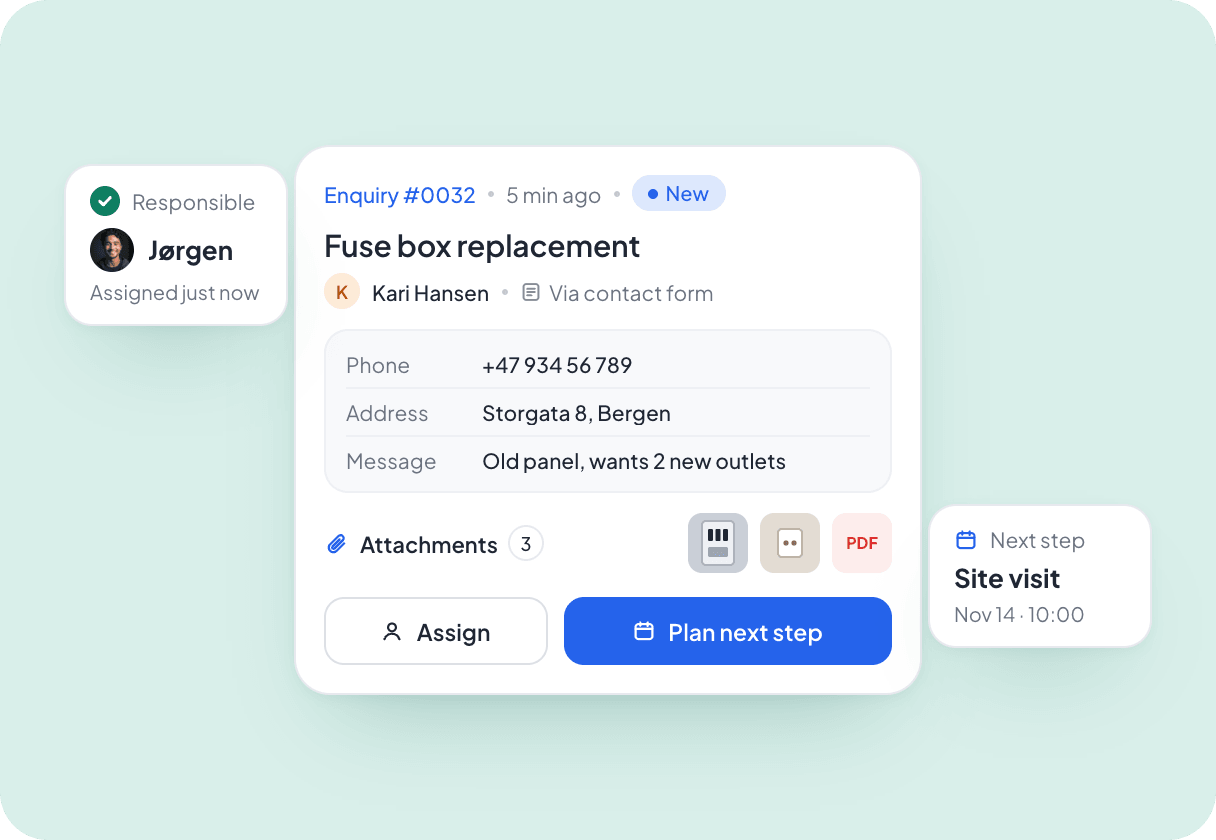
Make it clear who is responsible for follow-up
A new enquiry becomes available in Vadio with all responses and attachments in one place. Assign responsibility and agree on the next step just as you do for other cases.
For chains
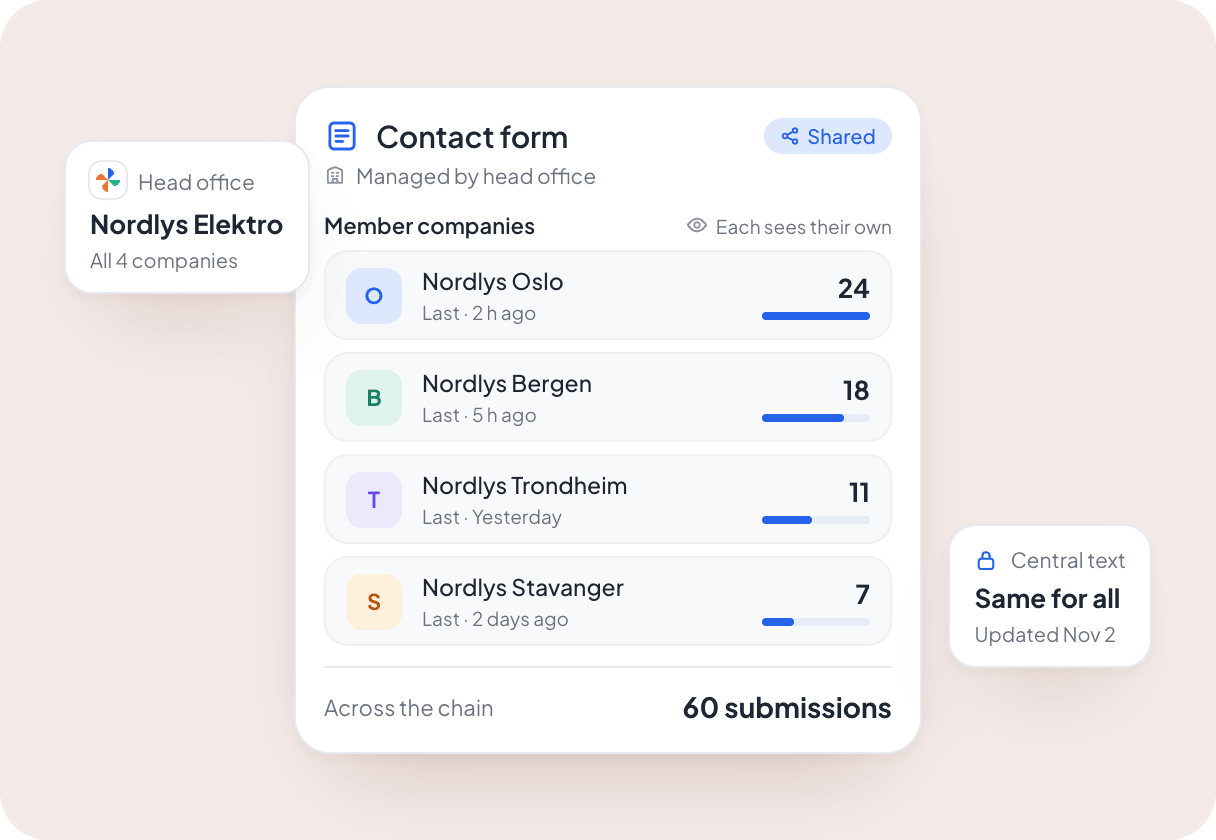
Use shared forms across the entire chain
The head office can make a shared form available to member companies and maintain the text centrally. Members see their own submissions, while the head office has an overview across the chain.

Make it easier for customers to send a good enquiry
14 days free. We help you put it in.