
Part of Sales & CRM
A signed offer becomes a job. A finished job becomes an invoice.
Once the customer accepts, the job is in the job list with the same lines. The installer sees it in the app, marks it done with photos, and the office invoices — from Vadio or straight in Tripletex.
Included in Sales & CRM, NOK 299 per company per month.

The job list
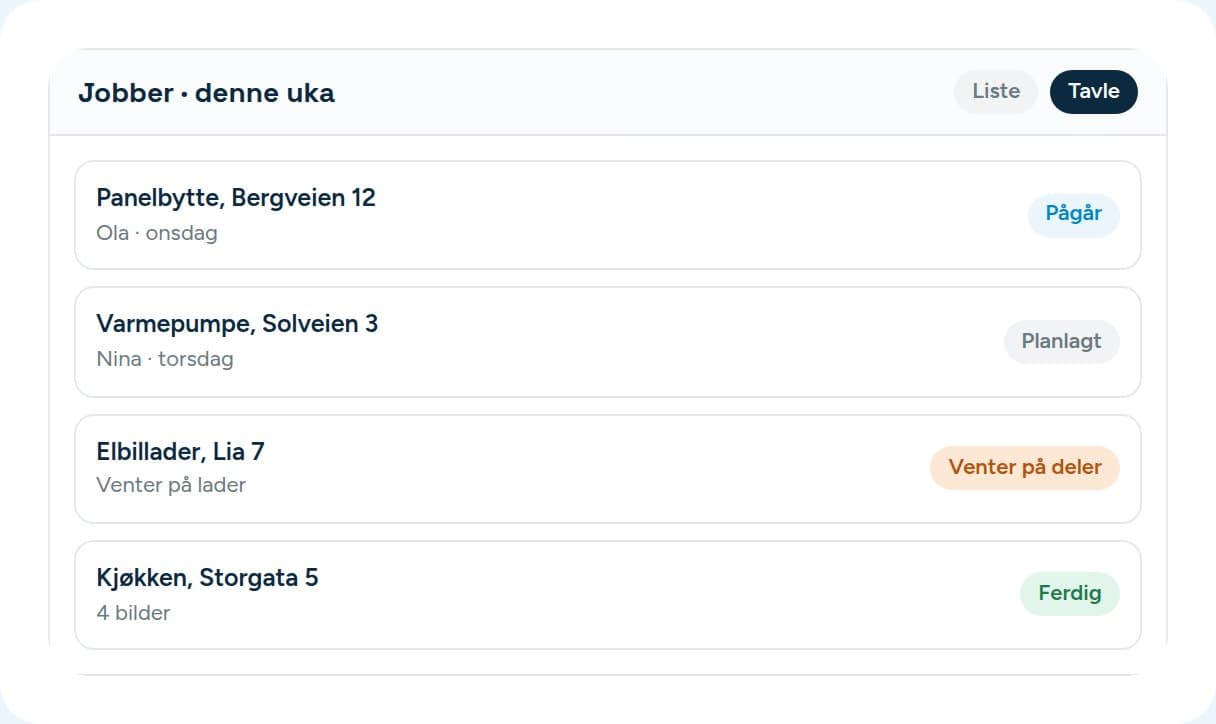
The columns are called what you call them.
You make your own stages. Each belongs to one of five categories — new, planned, in progress, done, cancelled — so the reports work whatever your stages are called.
- A job has a priority, an owner and a planned date.
- Waiting on parts? The job has its own stage for that instead of sitting “in progress” for three weeks.
- If the customer asks to cancel, it becomes a request someone has to approve, not a silent deletion.
- Jobs that need attention can be escalated and stay in view.
From done to paid
Four steps, without typing anything twice.
- 01
The installer is done
Marks the job done in the app and attaches photos.
- 02
The office makes the invoice
From the lines on the job. Nobody digs out the offer again.
- 03
The invoice goes out
From Vadio with your own account number, or pushed to Tripletex.
- 04
Paid
The status comes back, so you see it on the case without opening the accounts.
Invoice
Your number series, or your accounting system’s.
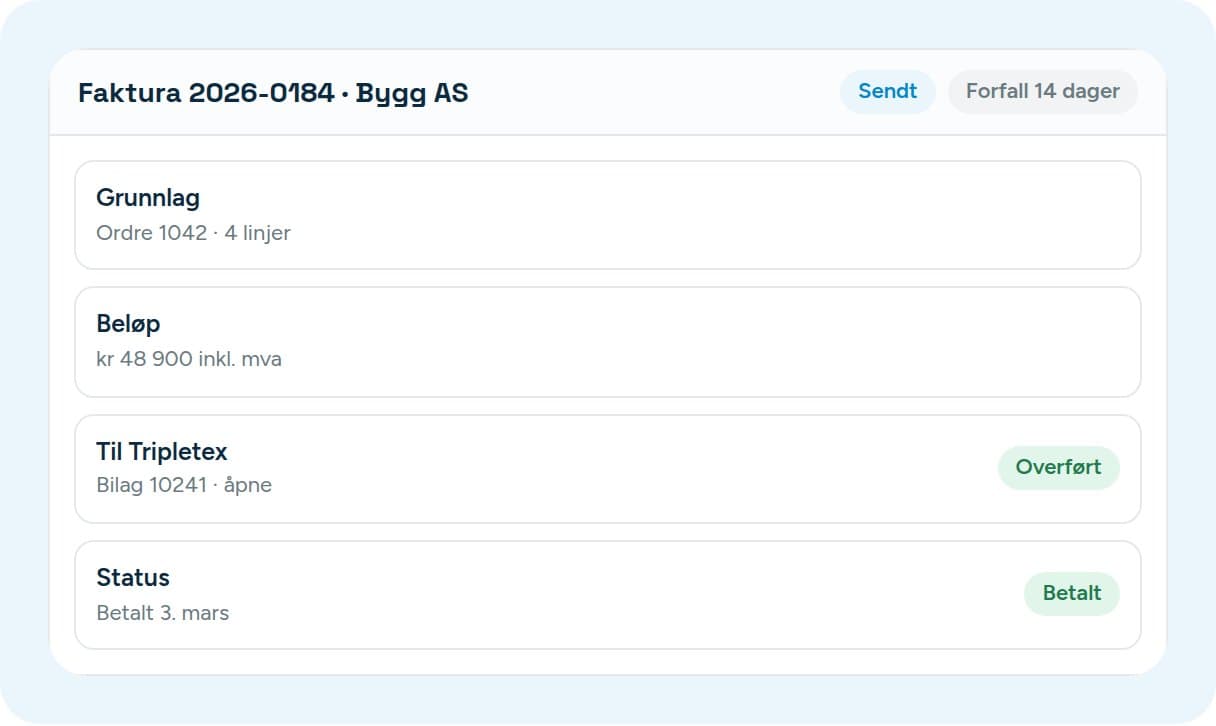
Send from Vadio and we use your series and your bank account. If the invoice goes to Tripletex, Tripletex assigns the number. Both are settings, not rework.
- Payment is due in 14 days by default, and you can change it.
- The VAT codes come from your accounting system when you connect. If there is no code for a rate you use, Vadio stops before anything is sent rather than posting it wrong.
- From the invoice in Vadio you go straight to the voucher in Tripletex.
- The access is stored encrypted and can’t be read back out — not even by you.
The customer portal
The customer doesn’t have to call and ask.

Try it with the jobs you have now.
14 days free. We help you connect Tripletex over the phone.