
Self booking
Let the customer pick a time while you work.
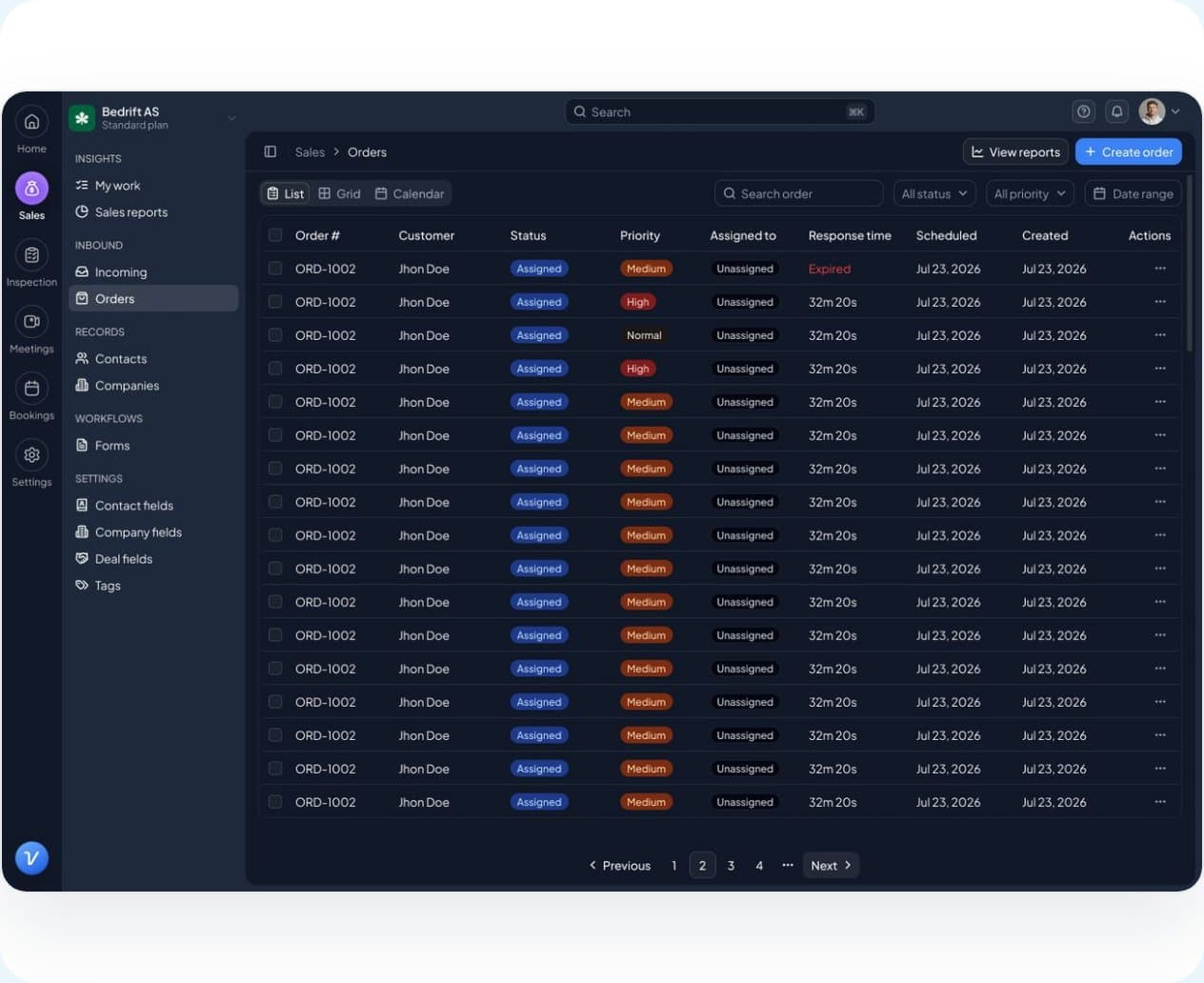
Put the booking page on your website. The customer picks a service and a time, fills in what you ask, and gets a confirmation by text. The booking becomes an enquiry in Vadio with the customer already filled in.
Self booking comes with Sales & CRM.
The setup
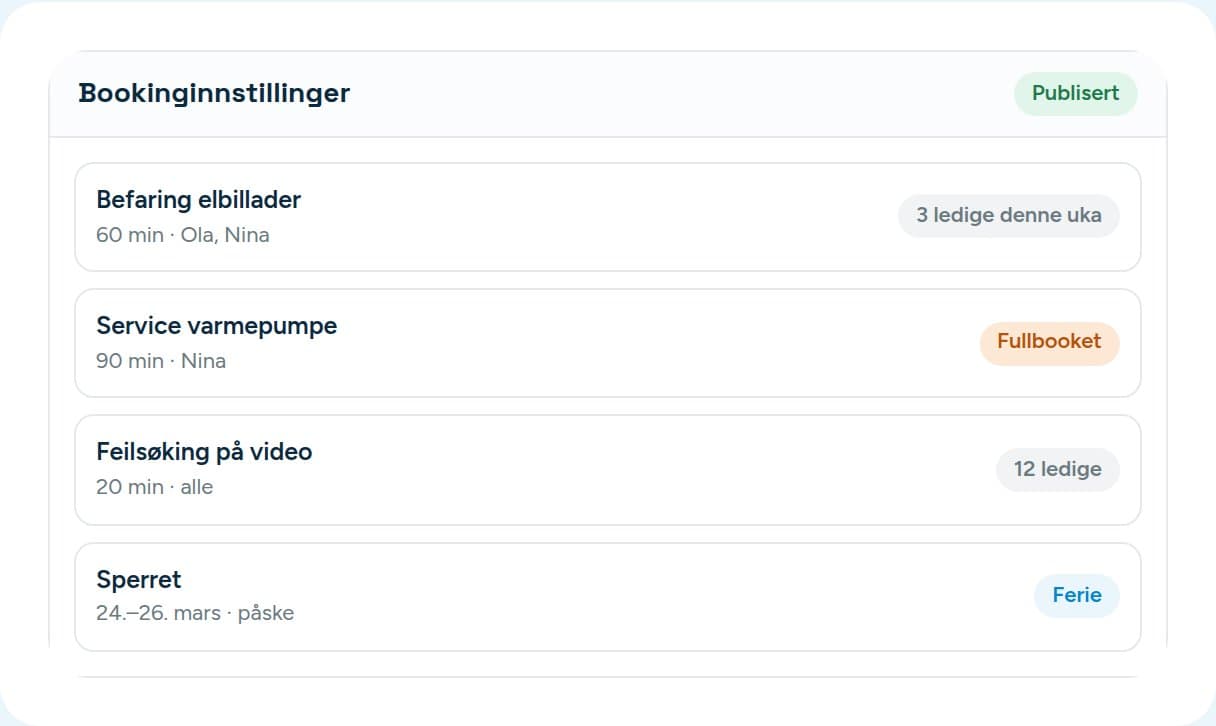
You decide what can be booked, and when.
- Set up the services you offer, with a length for each. An inspection and a service don’t take the same time.
- Set opening hours per weekday, and add days off and holidays as blocked dates.
- Link staff to services, so the customer only gets times with someone who can do the job.
- Add questions the customer has to answer — registration, model, address, what is wrong.
What the customer sees
Four taps, and they’re in your system.
- 01
Picks a service
On your booking page, with the length, and the price if you show it.
- 02
Picks a time
From the times actually free with the right person.
- 03
Answers the questions
That you set up, attaching photos if you ask for them.
- 04
Gets a confirmation
By text. At the same time the booking lands with you as an enquiry.
What you get from it
A booking isn’t a calendar entry. It’s a case.

Stop taking bookings over the phone.
14 days free. We help you put the widget on your website.